
Key facts
- Brand
- Ricoh
- Model
- GX100
- Category
- Digital cameras
- Industry
- Electronics
- Documents
- 9
- Languages
- FR · DE · IT · JA · ES · ZH · EN
- Last added
- 2012-07-09
Start here
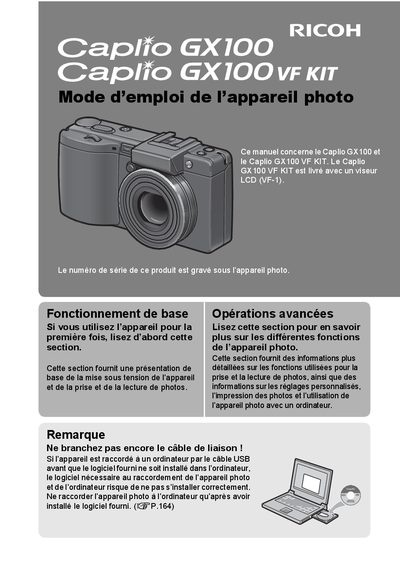
Ricoh Caplio GX100 User Manual
This manual provides instructions for the Ricoh Caplio GX100 digital camera and the Caplio GX100 VF KIT, which includes an LCD viewfinder (VF-1). It covers basic operations such as turning the device on and taking photos, as well as advanced functions like custom settings, printing, and connecting to a computer. Users are advised to install the provided software before connecting the camera via USB to ensure proper installation. This manual is written in French.
Read onlineRicoh GX100 specifications
| Effective Pixels | 10.01 megapixels |
|---|---|
| Lens Focal Length | 24-72 mm |
| Video Resolution | 640 x 480 pixels |
| Video Frame Rate | 30 ips or 15 ips |
| Macro Shooting Distance | 1 cm |
Source: Ricoh Caplio GX100 User Manual
All Ricoh GX100 documents by type
Day-to-day operation, settings and troubleshooting. Start here if the product is already set up.
- Ricoh Caplio GX100 User Manual 218 p
- Ricoh Caplio GX100/GX100 VF Kit Camera User Manual 218 p
- Ricoh Caplio GX100 Camera User Manual 218 p
- Ricoh Caplio GX100 Camera User Manual 215 p
- Ricoh Caplio GX100 Camera User Manual 217 p
- Ricoh Caplio GX100 User Manual 218 p
- Ricoh Caplio GX100 User Manual 218 p
- Ricoh Caplio GX100/GX100 VF KIT User Guide 218 p
- Ricoh Caplio GX100 VF Kit User Manual 218 p
Questions answered in these manuals
What is included in the Caplio GX100 VF KIT?
The Caplio GX100 VF KIT is supplied with an LCD viewfinder (VF-1).
What software is provided with the camera?
The camera is supplied with the Irodio Photo & Video Studio software.
What is the effective pixel count of the camera sensor?
The CCD sensor has an effective resolution of 10.01 million pixels.
What are the video recording specifications for this camera?
It records high-quality movies at 640 x 480 pixels with a frame rate of 30 images per second.
Does the Caplio GX100 VF KIT include a viewfinder?
Yes, the Caplio GX100 VF KIT is equipped with an LCD viewfinder (VF-1).
Can I print photos directly without a computer?
Yes, the camera can be connected to a compatible printer via USB to print directly.