
Key facts
Start here
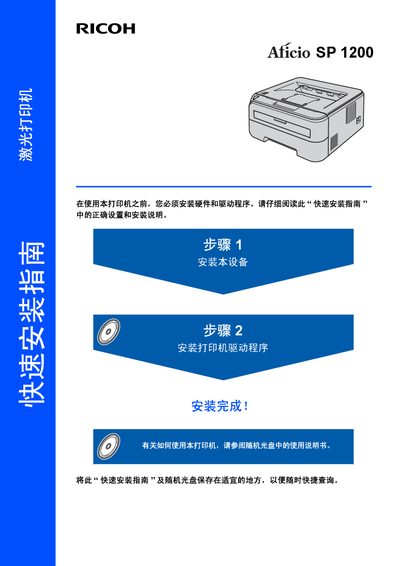
Ricoh Aficio SP 1200 Printer Quick Installation Guide
The guide begins with safety warnings and symbols to prevent electric shock, burns, and damage to the printer. It explains the laser classification, radio‑frequency compliance, and proper grounding requirements before any work is performed.
It then walks the user through installing the printer hardware, loading the toner and drum units, connecting the USB cable, and installing the printer driver on a computer. Packing list contents, control‑panel indicators, and troubleshooting tips are also included. This manual is written in Chinese.
Ricoh Aficio SP 1200 specifications
| Paper tray capacity | 250 sheets (A4, Letter, Executive, A5, A6, B5, B6) |
|---|---|
| Supported paper weight | 75‑90 g/m² |
| Paper thickness | 80‑110 µm |
| Supported paper types | 普通纸和再生纸 |
All Ricoh Aficio SP 1200 documents by type
Day-to-day operation, settings and troubleshooting. Start here if the product is already set up.
The shortest path to a working setup, usually only a few pages.
Questions answered in these manuals
How many sheets can the paper tray hold?
The paper tray can hold up to 250 sheets of standard paper.
How do I clean the laser unit?
Open the front cover and gently clean the laser window with a soft, lint‑free cloth.
What must be done before cleaning the printer?
Unplug the printer from the AC outlet and remove the power plug before cleaning.
What cleaning agent should be used on the printer’s exterior?
Use a neutral cleaning agent; avoid volatile liquids such as thinners or gasoline.