
This manual describes the basic operation and advanced operation of the Caplio GX100 camera
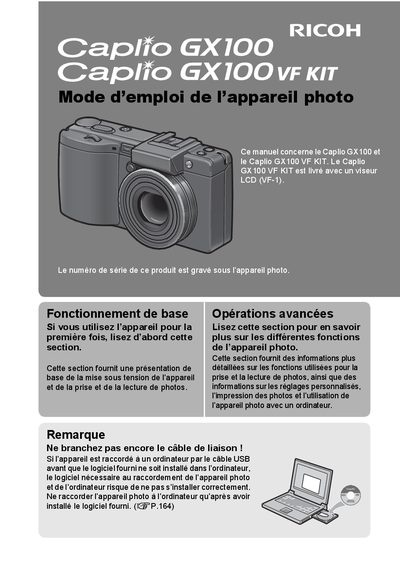
This manual provides instructions for the Ricoh Caplio GX100 digital camera and the Caplio GX100 VF KIT, which includes an LCD viewfinder (VF-1). It covers basic operations such as turning the device on and taking photos, as well as advanced functions like custom settings, printing, and connecting to a computer. Users are advised to install the provided software before connecting the camera via USB to ensure proper installation. This manual is written in French.
| Effective Pixels | 10.01 megapixels |
|---|---|
| Lens Focal Length | 24-72 mm |
| Video Resolution | 640 x 480 pixels |
| Video Frame Rate | 30 ips or 15 ips |
| Macro Shooting Distance | 1 cm |
The Caplio GX100 VF KIT is supplied with an LCD viewfinder (VF-1).
The camera is supplied with the Irodio Photo & Video Studio software.
No, you should not connect the camera via USB before installing the provided software to ensure correct installation.