
Describes in detail the technical parameters of the product, including power consumption, radio frequency performance, circuit diagram and application scenarios
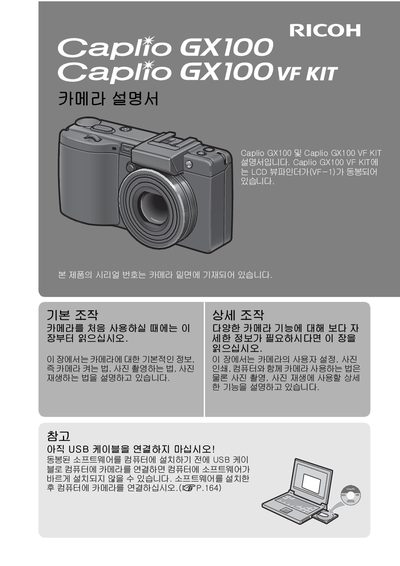
This document is the official Japanese user manual for the Ricoh Caplio GX100 digital camera. It provides comprehensive instructions on operating the device, including power management, shooting modes, image quality settings (RAW/JPEG), and playback functions.
The guide also details the usage of the optional Caplio GX100 VF KIT, explaining how to attach and use the viewfinder accessory. Additionally, it covers connectivity options such as USB connections and PictBridge printing. This manual is written in Japanese.
The maximum resolution for RAW images is 640 x 480.