
This is a camera user manual, including basic functions and advanced functions of the camera
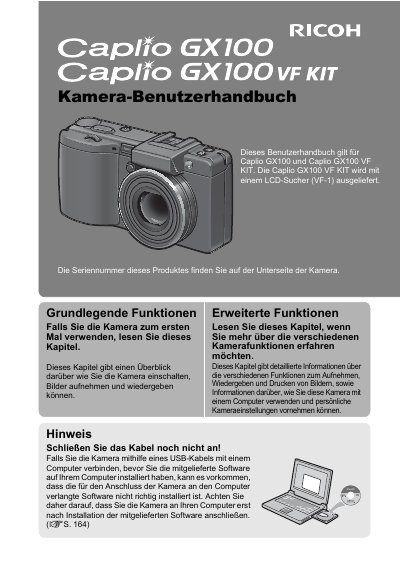
This document is the official user guide for the Ricoh Caplio GX100 digital camera and the Caplio GX100 VF KIT. It provides instructions on basic functions such as turning the camera on, taking photos, and reviewing images, as well as advanced features like image processing and printing.
The manual details how to use the camera's 25mm wide-angle zoom lens (3x optical magnification) and its various shooting modes, including aperture priority and manual exposure. It also explains connectivity options via USB 2.0 for transferring images to a computer using Irodio Photo & Video Studio software, as well as direct printing capabilities. This manual is written in German.
The CCD sensor has an effective resolution of 10.01 million pixels.
It records high-quality movies at 640 x 480 pixels with a frame rate of 30 images per second.