
This is a Caplio GX 100 and Caplio GX100 VF KIT camera user manual. The manual contains basic and advanced operations, introducing how to turn on the camera, take pictures and play pictures.
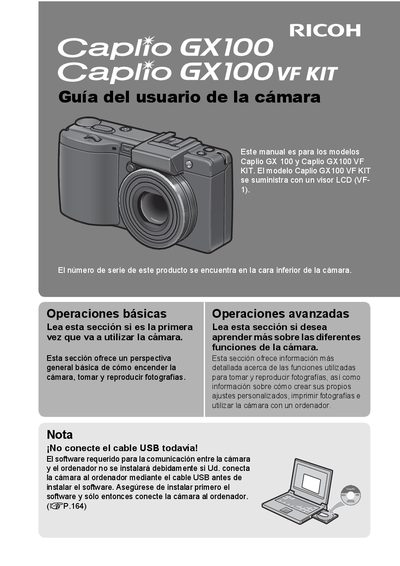
This manual provides instructions for using the Ricoh Caplio GX100 and Caplio GX100 VF KIT digital cameras. It covers basic operations such as turning the camera on, taking photos, and reproducing images, as well as advanced functions like creating custom settings and using the camera with a computer. The Caplio GX100 VF KIT model is supplied with an LCD viewer (VF-1). This manual is written in Spanish.
| Lens Focal Length | 24 mm to 72 mm |
|---|---|
| Video Resolution | 640 x 480 pixels |
| Frame Rate | 30 fps |
| Macro Distance | 1 cm |
This manual is for the Caplio GX 100 and Caplio GX100 VF KIT models.
The Caplio GX100 VF KIT is supplied with an LCD viewer (VF-1).