
Key facts
Start here
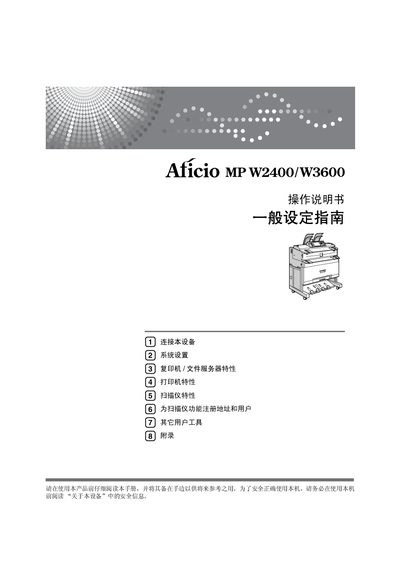
Ricoh Aficio MP W2400/W3600 User Manual
This manual introduces the Ricoh Aficio MP W2400/W3600 multifunction printer, covering safety information, basic setup, and general configuration. It guides users through connecting the device, configuring network settings, and adjusting system preferences.
Detailed sections describe copy, print, and scan features, user tools, administrator functions, and troubleshooting steps. Appendices provide additional software references, licensing information, and technical symbols used throughout the guide. This manual is written in Chinese.
Ricoh Aficio MP W2400 specifications
| Copy speed (Model 1) | 4 pages per minute |
|---|---|
| Copy speed (Model 2) | 6 pages per minute |
| Maximum email size | 110 |
All Ricoh Aficio MP W2400 documents by type
Day-to-day operation, settings and troubleshooting. Start here if the product is already set up.
Questions answered in these manuals
How do I connect the device to an Ethernet network?
Use the "连接至以太网接口" section to attach the device to an Ethernet port.
What should I do when the machine shows a paper‑jam indicator?
Refer to the section on clearing paper jams and follow the steps on page 57 to remove the jammed paper.
How do I add toner when the toner is depleted?
Open the toner compartment and follow the instructions on page 54 to insert new toner.
What software is required to view this PDF manual?
Adobe Acrobat Reader (or Adobe Reader) must be installed to view the PDF format of the manual.