
The document describes the features and characteristics of a product named G
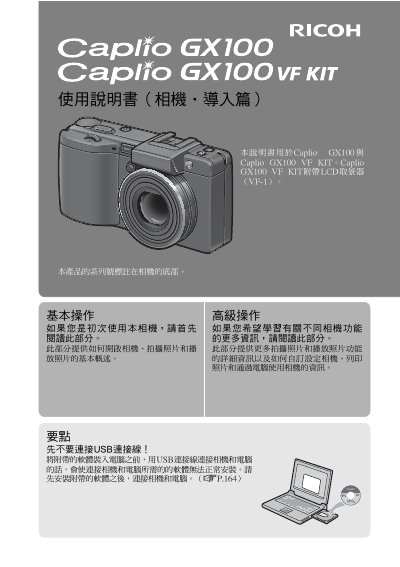
This manual provides instructions for using the Ricoh Caplio GX100 and Caplio GX100 VF KIT digital cameras. It covers essential operations such as turning on the camera, taking photos, and reproducing images, as well as creating custom settings and printing photos.
The guide details advanced features including a 24mm to 72mm optical zoom lens with vibration reduction, macro photography at 1cm, and RAW image capture. It also explains how to install the Irodio Photo & Video Studio software on a computer for viewing and editing images. This manual is written in Spanish.
| Lens range (35mm equivalent) | 24 mm to 72 mm |
|---|---|
| Video resolution | 640 x 480 pixels at 30 fps |
| Macro distance (telephoto) | 15 cm |
This guide is for the Caplio GX 100 and Caplio GX100 VF KIT models.
The camera allows you to capture details from a very short distance of just 1 cm.
You can record high-quality movies at 640 x 480 pixels with sound.
The compact camera body has a thickness of only 25 mm.