
This manual is a camera user guide for Caplio GX100 and Caplio GX100 VF KIT. It provides information on basic operations, advanced operations, and how to use the shooting and playback functions of the camera.
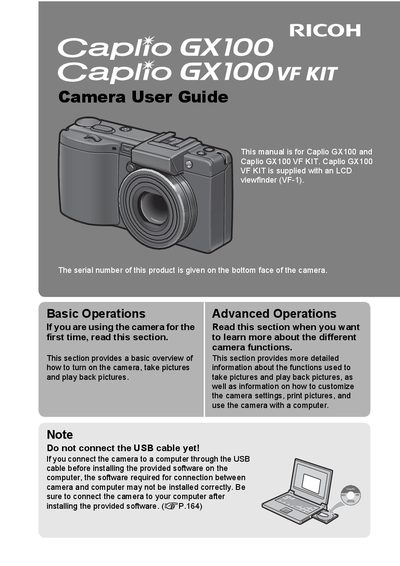
This manual provides detailed instructions for using the Ricoh Caplio GX100 digital camera and the optional VF‑1 LCD viewfinder kit. It covers basic operations such as turning the camera on, taking pictures, and playback, as well as advanced functions like macro shooting, flash use, and video recording.
The guide also includes safety precautions, battery information, SD‑card handling, and contact details for Ricoh support worldwide. Installation of the supplied software and proper USB connection procedures are explained to ensure reliable data transfer.
| Effective pixels | 10.01 megapixel |
|---|---|
| Optical zoom | 3× (24 mm to 72 mm) |
| Body thickness | 25 mm |
| Camera shake correction | Yes |
| Macro shooting minimum distance | 1 cm |
| Close‑up flash distance | 15 cm (Telephoto) / 20 cm (Wide‑angle) |
| Video recording | 640 × 480 px at 30 fps or 15 fps with sound |
| USB interface | USB 2.0 |
| Power options | Rechargeable battery, alkaline batteries, AC adapter |
No. The manual advises not to connect the USB cable until after the supplied software has been installed.
The camera can focus as close as 1 cm for macro shots.
It uses a 10.01‑megapixel CCD sensor.
It records 640 × 480 video at either 30 fps or 15 fps with full sound.