
This white paper mainly introduces the Huawei Cloud federated learning solution and comprehensively introduces federated learning from the perspective of theory, practice and application. From the theoretical perspective, the concepts, classifications, advantages, challenges and research status of federated learning are introduced; from the practical perspective, the architecture, features, functions and application scenarios of the Huawei Cloud federated learning platform are introduced; from the application perspective, the federated learning is introduced in government, financial, medical, manufacturing, retail and other industries. Application practice.
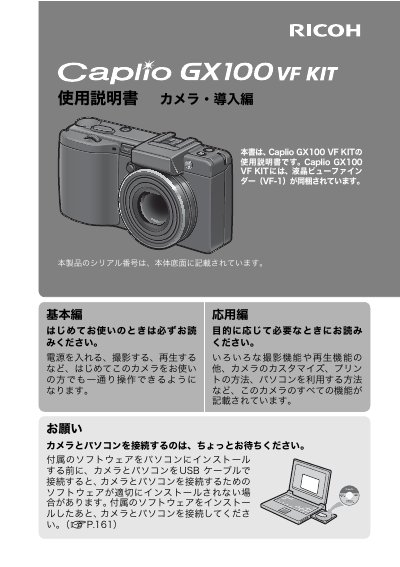
This document is the user guide for the Ricoh Caplio GX100 VF KIT. It explains how to operate the camera, take photos, play back images, and customize settings. The manual also covers connecting the camera to a computer using the included software.
The camera features a wide-angle zoom lens with a 24mm to 72mm focal length range (35mm film equivalent). It includes image stabilization for reduced blur in low light or when shooting handheld, macro photography down to 1cm, and compatibility with various optional accessories like flash units and conversion lenses. This manual is written in Japanese.
The kit includes a liquid crystal viewfinder model VF-1.
The camera body is 25mm thick.
The camera can focus on subjects as close as 1cm from the lens tip.