
Key facts
- Brand
- Ricoh
- Model
- Caplio R4
- Industry
- Electronics
- Documents
- 17
- Languages
- EN · FR · DE · JA · ES · ZH · ZH-TW
- Last added
- 2012-07-09
Start here
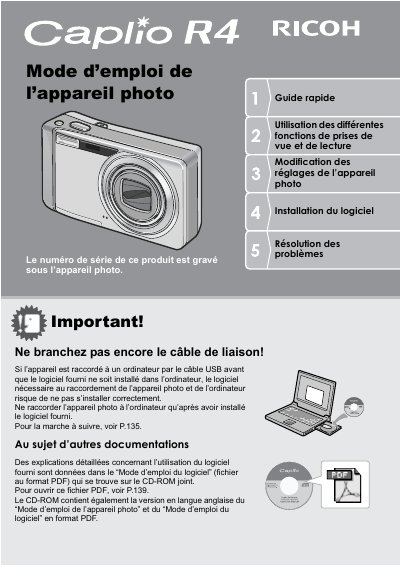
Ricoh Caplio R4 Quick Start Guide
This document is a French quick start guide (Guide rapide) for the Ricoh Caplio R4 digital camera. It provides essential instructions on using the camera's viewing and reading functions, modifying settings, installing the provided software, and troubleshooting common issues.
The manual covers safety measures, initial setup steps such as battery installation and memory card usage, and basic operation including taking photos in various modes (standard, macro, scene mode). It also details how to play back images on the LCD screen or a TV, transfer data via USB cable to a computer using ImageMixer software, and print directly from the camera. This manual is written in French.
Ricoh Caplio R4 specifications
| Optical Zoom | 5.7x |
|---|---|
| Shutter Release Time Lag | approx. 0.1 seconds |
| Macro Shooting Distance | 1 cm |
| Movie Resolution | 320 x 240 pixels |
All Ricoh Caplio R4 documents by type
Day-to-day operation, settings and troubleshooting. Start here if the product is already set up.
- Ricoh Caplio R40 Camera User Guide 185 p
- Ricoh Caplio R4Q Digital Camera User Manual 185 p
- Ricoh Caplio R40 Digital Camera User Manual 185 p
- Ricoh Caplio R40 Digital Camera User Manual 185 p
- Ricoh Caplio R40 Digital Camera User Manual 185 p
- Ricoh Caplio R40 Digital Camera User Manual 185 p
- Ricoh Caplio R40 Digital Camera User Manual 185 p
- Ricoh Caplio R4 Quick Start Guide 188 p
- Ricoh Caplio R4 Digital Camera User Manual 188 p
- Ricoh Caplio R4 Digital Camera User Manual 188 p
- Ricoh Caplio R4 Digital Camera User Guide 188 p
- Ricoh Caplio R4 Digital Camera User Manual 188 p
- Ricoh Caplio R4 Digital Camera User Manual 188 p
- Ricoh Caplio R4 User Manual 188 p
Questions answered in these manuals
What is the shutter release time lag?
The shutter release time lag is approximately 0.1 seconds.
Can I shoot macro photos at a distance of 1 cm?
Yes, the camera allows you to capture details from a very close distance at only 1 cm.
Do I need to install software before connecting the camera?
Yes, you must install the provided software before connecting the camera via USB.
What is the minimum focusing distance for macro shots?
The camera can focus as close as 1 cm for macro photography.
Where is the serial number located?
The serial number can be found on the underside of the camera.
What is the minimum distance required for macro photography?
You can take macro shots at a distance of only 1 cm from the subject.