
Key facts
- Brand
- Ricoh
- Model
- R50
- Category
- Digital cameras
- Industry
- Electronics
- Documents
- 9
- Languages
- EN · FR · DE · IT · ES · RU · ZH
- Last added
- 2012-07-09
Start here
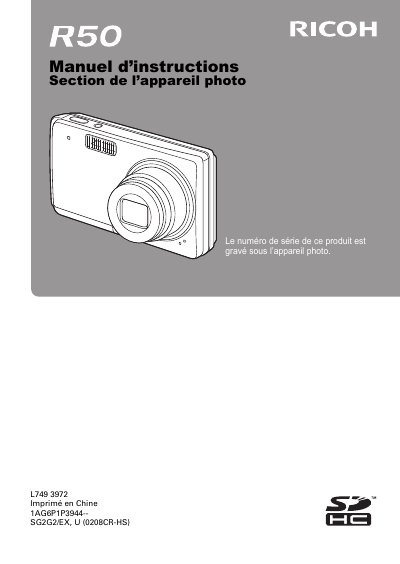
Ricoh R50 Digital Camera User Manual
This document is the French user manual for the Ricoh R50 digital camera. It provides comprehensive instructions on operating the device, including taking photos, recording videos, and using various scene modes. The guide also covers image playback, editing features like red-eye correction and rotation, and connecting the camera to external devices such as televisions. This manual is written in French.
Read onlineRicoh R50 specifications
| Image sensor type | 1/2.3-inch (1.1 cm) CCD |
|---|---|
| Effective pixels | Approx. 10 million pixels |
| Monitor size | 2.5-inch (6.4 cm) TFT color LCD |
| Internal memory capacity | Approx. 52 MB |
| External memory support | SD Memory Card (equivalent to a 8 GB SDHC Memory Card) |
| Shutter speed range | 1 to 1/2,000 sec. |
All Ricoh R50 documents by type
Day-to-day operation, settings and troubleshooting. Start here if the product is already set up.
- Ricoh L749 Digital Camera Instruction Manual 156 p
- Ricoh R50 Digital Camera User Manual 159 p
- Ricoh R50 Digital Camera User Manual 159 p
- Ricoh R50 Digital Camera User Manual 159 p
- Ricoh R50 Digital Camera User Manual 159 p
- Ricoh L749 5971 Digital Camera User Manual 159 p
- RICOH R50camera Manual 159 p
- RICOH R50 Manual
- Ricoh R50 Camera User Manual 159 p
Questions answered in these manuals
Does this camera support DPOF?
Yes, the image file format is JPEG compliant with DCF and DPOF standards.
What USB standard does this camera use?
The camera uses the USB 2.0 High Speed standard.
Where is the serial number located?
The serial number of this product is engraved under the camera.
What should be done before using the camera for the first time?
You must perform test shots to ensure that recording is taking place normally.
Where is the serial number located?
The serial number can be found on the underside of the camera.
Where is the serial number located on the camera?
The serial number is found on the underside of the camera.