
The document mainly introduces the features and characteristics of the G series products, including their appearance design, functional features, performance parameters, etc.
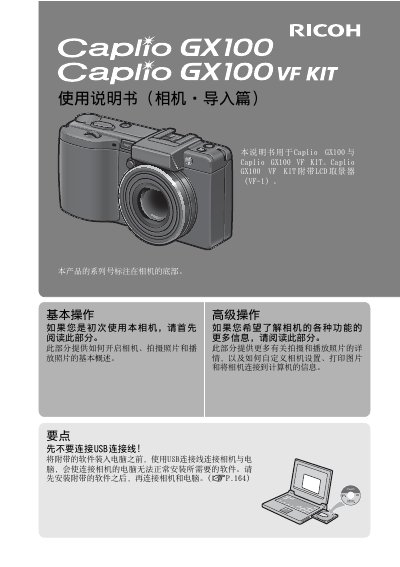
This document is the user guide for the Ricoh Caplio GX100 digital camera. It explains how to operate the device, including turning it on and off, setting up language and date/time, and preparing the camera for shooting by inserting batteries and memory cards.
The manual details basic photography operations such as using the zoom function, flash, and self-timer. It also covers image playback, viewing, deleting files, and adjusting display settings like brightness and histogram. This manual is written in Chinese.
| Effective Pixels | 1001 thousand |
|---|---|
| Optical Zoom Range | 24mm to 72mm |
| Video Resolution | 640 x 480 pixels |
| Video Frame Rate | 30 frames per second |
The camera comes with Irodio Photo & Video Studio software for viewing and editing images on a computer.
You can connect the camera and computer using the included USB connection cable after installing the software.
The camera allows super-macro photography at a distance of just 1cm.