
This manual is for the Caplio GX100 and Caplio GX100 VF KIT cameras. It is divided into two parts: Basic Operations and Advanced Operations. Basic Operations covers how to turn on the camera, take pictures, and play back pictures. Advanced Operations covers how to customize camera settings, print pictures, and use the camera with a computer.
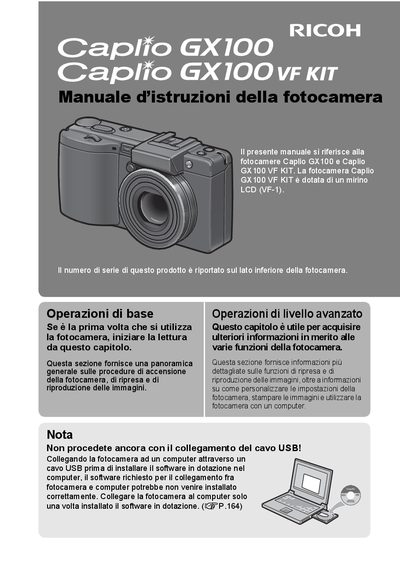
This manual provides instructions for the Ricoh Caplio GX100 and Caplio GX100 VF KIT digital cameras. It covers basic operations such as turning the camera on, taking photos, and reproducing images, as well as advanced functions for customizing settings and using the camera with a computer. The Caplio GX100 VF KIT includes an LCD viewfinder (VF-1). This manual is written in Italian.
| Lens Zoom | 3x (24-72 mm) |
|---|---|
| Video Resolution | 640 x 480 pixel |
| Video Frame Rate | 30 fps or 15 fps |
| Macro Distance | 1 cm |
| Flash Range (Wide) | 20 cm |
| USB Standard | USB 2.0 |
Yes, the Caplio GX100 VF KIT is equipped with an LCD viewfinder (VF-1).
Yes, the camera can be connected to a compatible printer via USB to print directly.