
Key facts
- Brand
- Ricoh
- Model
- Caplio R7
- Category
- Other Electronics
- Documents
- 11
- Languages
- DE · IT · JA · ES · RU · FR · EN · ZH
- Last added
- 2012-07-09
Start here
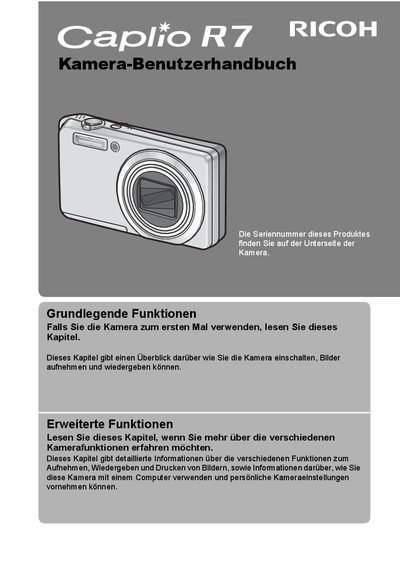
Ricoh Caplio R7 Digital Camera User Manual
This is the German user manual for the Ricoh Caplio R7 digital camera. It provides instructions on using the camera's photo and playback functions, including safety warnings and basic setup. The manual explains how to operate the camera, take test shots, and utilize its various features for optimal performance. This manual is written in German.
Read onlineRicoh Caplio R7 specifications
| Focal Length | 28 - 200 mm |
|---|---|
| Image Stabilization | Included |
| Macro Distance | 1 cm |
| Flash Range (Tele) | 25 cm |
| Flash Range (Wide) | 20 cm |
| Face Detection | Included |
| Image Adjustment | Brightness and Tone |
All Ricoh Caplio R7 documents by type
Day-to-day operation, settings and troubleshooting. Start here if the product is already set up.
- Ricoh Caplio R7 Digital Camera User Manual 202 p
- Ricoh Caplio R7 Digital Camera User Manual 202 p
- Ricoh Caplio R7 User Manual 202 p
- Ricoh Caplio R7 Camera User Guide 201 p
- Ricoh Caplio R7 Digital Camera User Manual 202 p
- Ricoh Caplio R7 Digital Camera User Manual 188 p
- Ricoh Caplio R7 User Guide 202 p
- Ricoh Caplio R7 Digital Camera User Manual 202 p
- Ricoh Caplio R7 User Manual 202 p
- Ricoh Caplio R7 Camera Firmware Upgrade Manual 4 p
- Ricoh Caplio R7 Camera User Manual 202 p
Questions answered in these manuals
Where is the serial number located?
The serial number is found on the underside of the camera.
What is included in the package?
The package includes the Camera User Manual and a Software User Manual on the CD-ROM.
What software is included with the camera?
The camera comes with the irodio Photo & Video Studio software.
How can I print photos without a computer?
You can connect the camera to a compatible printer via USB for direct printing.
Where is the serial number located?
The serial number is printed on the bottom side of the camera.
What is the purpose of the vibration correction function?
It reduces blur effects during shooting in low light or situations where the camera might vibrate.