
Key facts
- Brand
- Philips
- Model
- HTS8100
- Category
- Hi-Fi
- Industry
- Appliances
- Documents
- 4
- Languages
- EN · ZH
- Last added
- 2012-05-02
Start here
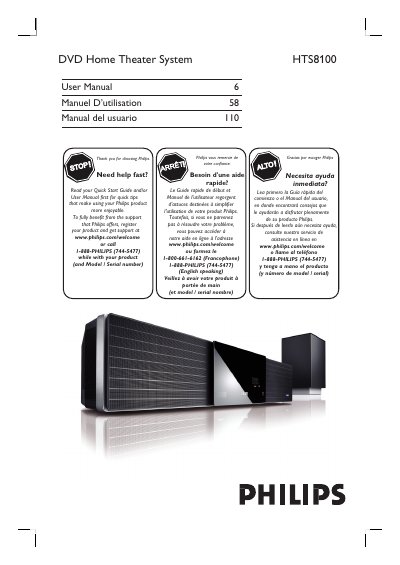
Philips HTS8100 DVD Home Theater System User Manual
This manual introduces the Philips HTS8100 DVD Home Theater System, covering safety warnings, product registration, and the accessories supplied with the unit. It explains how to register the product online at www.philips.com/welcome and outlines the warranty and environmental disposal information.
The guide details step‑by‑step setup, including placement, power connection, TV and audio connections, remote‑control functions, and operation of DVD, CD, USB, iPod dock, and radio sources. It also includes a troubleshooting section, specifications, and a glossary of terms used throughout the system.
Philips HTS8100 specifications
| Laser wavelength (DVD) | 650‑660 nm |
|---|---|
| Laser output power (DVD) | 7 mW |
| Laser beam divergence | 60 degrees |
All Philips HTS8100 documents by type
Day-to-day operation, settings and troubleshooting. Start here if the product is already set up.
Questions answered in these manuals
How do I start playing a DVD after setup?
Open the disc tray, insert the DVD with the label facing you, close the tray, and the system will start playback automatically; use the remote to select menu options if needed.
Which audio enhancement technologies are included in the HTS8100?
It includes Ambisound, Smart Surround, DoubleBass, and Soft Dome drivers.