
Key facts
- Brand
- Philips
- Model
- HTS9140
- Category
- Hi-Fi
- Industry
- Electronics
- Documents
- 6
- Languages
- EN · ZH
- Last added
- 2012-03-26
Start here
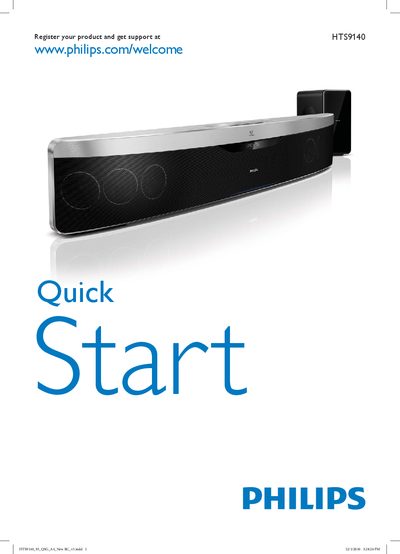
Philips HTS9140 Quick Start Guide
This guide provides two quick‑start instructions for configuring your Philips HTS9140 home‑theater system. To begin, click the image that matches the remote control included in your box.
The document also shows the power‑cord connection, HDMI/ARC ports, and includes a brief specifications notice. Product registration and support information are listed at www.philips.com/welcome.
Philips HTS9140 specifications
| Dimensions (W×H×D) | 955 × 155 × 96 mm |
|---|---|
| Weight | 66 kg |
| Power Consumption | 115 W |
| Audio Output Power (RMS) | 600 W |
| Supported Audio Formats | AAC, MP3, WMA, Dolby TrueHD, DTS‑HD, etc. |
All Philips HTS9140 documents by type
Day-to-day operation, settings and troubleshooting. Start here if the product is already set up.
The shortest path to a working setup, usually only a few pages.
Questions answered in these manuals
How do I start setting up the home theater?
Click the image that corresponds to the remote control included in the package.
Where can I register the product for support?
Register your product at www.philips.com/welcome.
What audio formats does the HTS9140 support?
It supports AAC, MP3, WMA, Dolby TrueHD, DTS‑HD and other high‑resolution audio formats.
Which video formats can be played on the HTS9140?
The unit can play AVCHD, AVCREC, BD, DVD, CD, VCD, SVCD and other common video formats.
How do I register my HTS9140 home theater?
Visit www.philips.com/welcome HTS9140 and follow the registration instructions.
What safety precautions should I take regarding the laser inside the unit?
Avoid looking directly at the laser beam and do not touch the optical lens inside the disc compartment.