
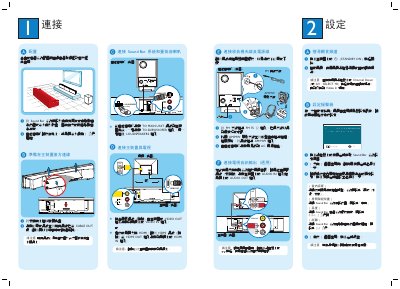
This quick start guide covers placement, cable connections, speaker setup, radio antenna and power connections, optional TV audio, disc playback, and playback from iPod, portable players, and USB devices. It also lists the items included in the box.
The guide shows how to connect the Sound Bar and subwoofer, connect the main unit to a TV by composite video or HDMI, search for the viewing channel, configure speaker settings for room walls, placement, height, and distance, and start playing a disc. This manual is written in Chinese.
| Subwoofer distance from TV | At least 1 m |
|---|---|
| Sound Bar placement height | 0.8-1.2 m (default) |
| Listening distance | 2-3 m (default) |
| FM antenna connector | 75 Ω |
At normal listening height at ear level, or at least above the knees, facing the listening area.
On the floor, at least 1 m from the TV.
Open the disc tray, insert the disc with the label side up, close the tray, and playback starts automatically.