
Key facts
Start here
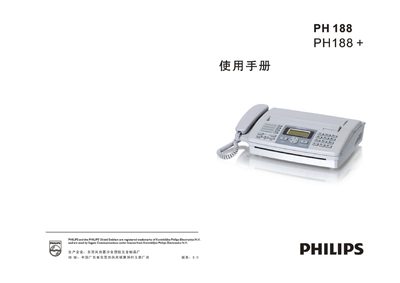
Philips PH188/PH188+ Fax Machine User Manual
This manual covers the PH188 and PH188+ fax machines, starting with safety notices and a parts list, followed by detailed installation steps, wiring diagrams, and how to load thermal paper. It explains how to send and receive faxes, use the built‑in telephone functions, and configure special features such as color screen display, call‑number announcement, and voice prompts.
Later sections describe routine maintenance, cleaning of the thermal head and scanner, troubleshooting common problems, and technical specifications such as supported document sizes, transmission rates, and power consumption. This manual is written in Chinese.
Philips PH188 specifications
| Modulation Rate | 14.4 Kbps |
|---|---|
| Encoding Method | MHVMR |
| Gray Scale Levels | 64 levels |
| Thermal Paper Size | 216 mm × 30 m or 210 mm × 30 m |
| Operating Voltage | 220 V AC 1.2 A 50 Hz |
| Standby Power | ≈3 W (max 8 W) |
| Dimensions | 395 mm × 345 mm × 160 mm |
| Weight | ≈3.1 kg |
All Philips PH188 documents by type
Day-to-day operation, settings and troubleshooting. Start here if the product is already set up.
Questions answered in these manuals
Why is the power indicator not lit?
Check that the power cord is plugged in and that the supplied voltage matches the machine’s requirement.
How can I clear a jammed thermal paper?
Open the thermal‑paper cover, remove any jammed paper, trim any folded sections, and then close the cover.
What document sizes can be faxed with this machine?
The fax can handle A4, B5, or North‑American Letter/Legal sizes up to a width of 216 mm.
What is the standby power consumption of the fax machine?
The standby power consumption is approximately 3 W.