
Philips 241B8 B Line 222B9/242B9 Monitor User Manual

241B8 B Line 222B9/242B9 user manual
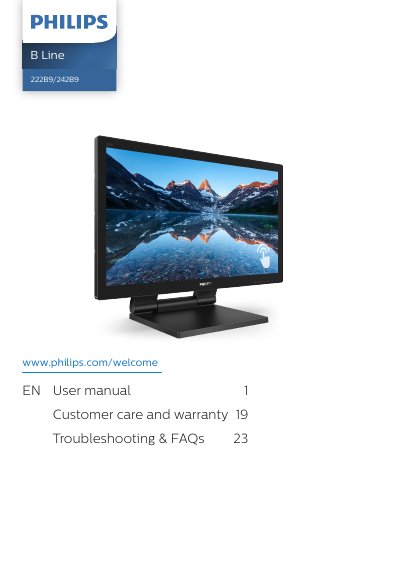

Philips 241B8 B Line 222B9/242B9 Monitor User Manual - cover page
Brand
Philips
Category
Monitors
Document type
User Manual
Language
English
Pages
30
File format
PDF
File size
2.9 MB
Published
16 October, 2023
Updated
16 October, 2023
Model
242B9
MD5 checksum
EC96A167FA5352042240883F57EF4AF5

About this manual

This manual provides instructions for setting up the Philips 241B8 B Line 222B9/242B9 monitor, including connecting the power cord, signal cables, and USB upstream cable. It details the installation process and how to operate the monitor for the first time.

What's inside

  • Important
  • Setting up the monitor
  • Image Optimization
  • SmoothTouch
  • Technical Specifications
  • Power Management
  • Customer care and warranty
  • Troubleshooting & FAQs

Frequently asked questions

What is the maximum operating temperature range for this monitor?

The monitor should be used in a location where the temperature falls between 0-40°C or 32-104°F.

What is the recommended break schedule to prevent eye strain?

It is better to take a 5-10 minute break after 50-60 minutes of continuous screen use.

Which specific AC/DC adapter model must be used with this monitor?

You must use only the AC/DC adapter model Philips ADPC2045.

Download PDF (2.9 MB)

More Philips Manuals


View all Philips manuals →