
This manual provides instructions for setting up, operating, and optimizing the Philips B Line 222B9/242B9 monitor, including image settings and…
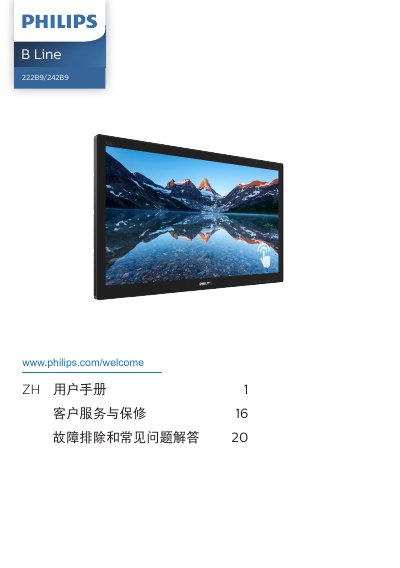
This user manual covers the setup and operation of the Philips B Line 222B9/242B9 monitor. It details how to connect the device to a PC using various cables like VGA, HDMI, and DisplayPort, and explains the function of the included USB hub and fast charger. The guide also describes the control buttons for power, menu access, and input switching. This manual is written in Chinese.
| Operating Temperature | 0-40 ºC |
|---|---|
| Operating Humidity | 20-80% RH |
Immediately turn off the power and unplug the power cord, then remove the foreign object or dry the water.
Ensure the screen saver or screen refresh application is activated when the monitor is unattended.