
This service manual provides information on maintenance and testing procedures for the IntelliVue MP5/MP5T patient monitor.
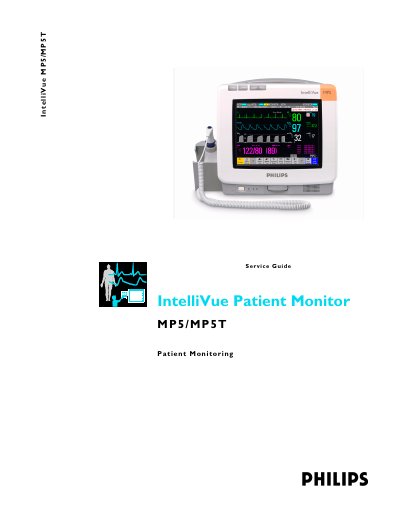
This Service Guide provides technical details and a foundation for biomedical engineers and technicians to effectively troubleshoot and repair the IntelliVue MP5/MP5T Patient Monitor. It covers system boundaries, hardware building blocks, and data flow to help engineers understand how the monitoring system works.
The guide includes comprehensive instructions for testing and maintenance, including safety tests, performance assurance tests, and troubleshooting procedures. It also details repair and disassembly steps, parts lists, and installation instructions for various configurations and accessories.
| Part Number | M8105-9301C |
|---|---|
| Document Part Number | 453564112551 |
This guide is for biomedical engineers or technicians responsible for installing, troubleshooting, repairing, and maintaining Philips' patient monitoring systems.
The password required to access Service Mode is 1345.
You should condition a battery when its 'battery requires maintenance' symbol shows on the Screen.