
Key facts
- Brand
- Philips
- Model
- DVD737
- Documents
- 3
- Languages
- EN
- Last added
- 2012-05-02
Start here
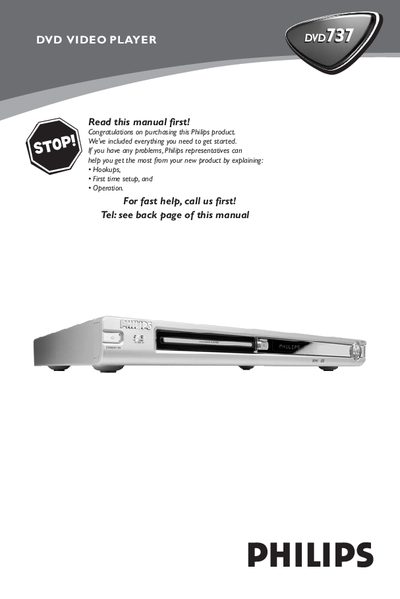
Philips DVD737 DVD Video Player User Manual
This manual guides you through the initial setup of the Philips DVD737 DVD Video Player, including connecting the power cord, video and audio cables, and configuring the remote control. It also covers safety information, region codes, and basic operation such as playing discs, using menus, and adjusting audio and subtitle settings.
Additional sections detail advanced features like SCART and digital audio connections, picture and sound settings, parental controls, and troubleshooting tips for common issues like no power, no picture, or audio problems. Technical specifications and a glossary are provided at the end of the document.
Philips DVD737 specifications
| File System | CD-ROM ISO Level 2 |
|---|---|
| Mode | 1/2/XA |
| Character set | ISO 9660 |
| Write speed | low |
All Philips DVD737 documents by type
Day-to-day operation, settings and troubleshooting. Start here if the product is already set up.
Questions answered in these manuals
What should you do if the upgrade display shows ‘FAIL’?
Refer to a Philips Service Center for assistance.
Can packet‑writing applications be used to create the upgrade disc?
No, only a dedicated CD‑writing application that allows ‘disc at once’ recording should be used.
What should I do if the DVD player has no power?
Check that the AC power cord is properly connected and press the STANDBY ON button on the front panel.
What is the standby power consumption of the DVD737?
The standby power consumption is less than 5 watts.
What should I do if the player has no power?
Make sure the AC power cord is firmly plugged in and verify that the outlet supplies power by testing another appliance.