
This document is the user manual for DVD VIDEO PLAYER DVD737. It explains the features and characteristics of the product, including how to connect the product, setup the product, and operate the product.
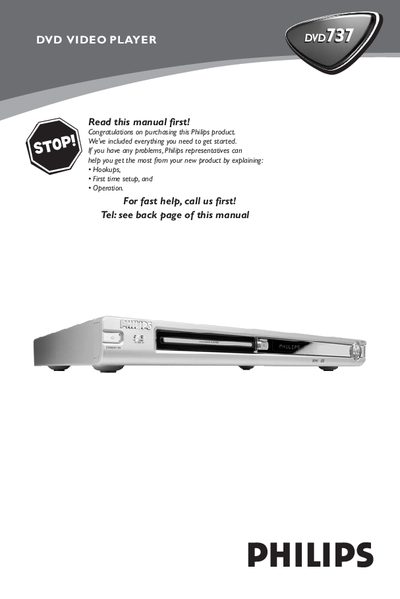
This manual guides you through the initial setup of the Philips DVD737 DVD Video Player, including connecting the power cord, video and audio cables, and configuring the remote control. It also covers safety information, region codes, and basic operation such as playing discs, using menus, and adjusting audio and subtitle settings.
Additional sections detail advanced features like SCART and digital audio connections, picture and sound settings, parental controls, and troubleshooting tips for common issues like no power, no picture, or audio problems. Technical specifications and a glossary are provided at the end of the document.
| Video format | MPEG‑2 for DVD, MPEG‑1 for VCD, MPEG‑4 for DVD |
|---|---|
| Audio format | Digital MPEG/AC‑3/DTS/PCM, 16‑24 bit, 44.1‑96 kHz |
| Standby power consumption | < 5 W |
| Dimensions (W × H × D) | 435 mm × 43 mm × 310 mm |
| Weight | Approximately 2.5 kg |
| Video performance (CVBS) | 1 Vpp — 75 mV |
| Digital audio output | Coaxial IEC60958 for CDDA/LPCM, IEC61937 for MPEG‑1/2, Dolby Digital, DTS |
Check that the AC power cord is properly connected and press the STANDBY ON button on the front panel.
The standby power consumption is less than 5 watts.