
This is the user manual for Philips DVD737 upgrade disc. It introduces the use of the upgrade disc, as well as the tools and precautions required before the upgrade.
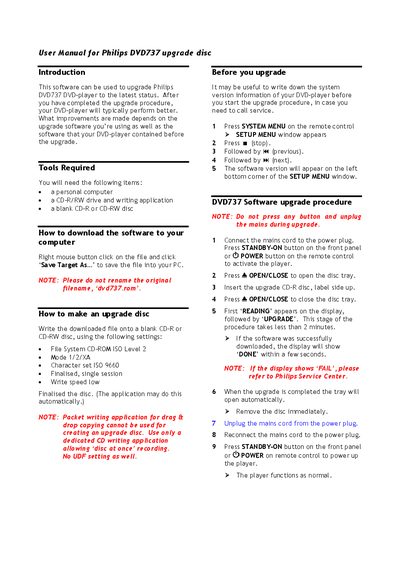
This manual explains how to upgrade a Philips DVD737 DVD‑player using an upgrade disc. It describes the required tools, the download process for the upgrade file, and the steps to write the file to a CD‑R or CD‑RW disc.
The upgrade procedure covers powering the player, inserting the disc, and monitoring the on‑screen messages. After a successful upgrade the player restarts automatically; if the display shows “FAIL” you should contact a Philips Service Center.
| File System | CD-ROM ISO Level 2 |
|---|---|
| Mode | 1/2/XA |
| Character set | ISO 9660 |
| Write speed | low |
Refer to a Philips Service Center for assistance.
No, only a dedicated CD‑writing application that allows ‘disc at once’ recording should be used.