
Key facts
- Brand
- Philips
- Model
- DVDR985
- Category
- Video Player
- Industry
- Electronics
- Documents
- 3
- Languages
- EN
- Last added
- 2012-05-02
Start here
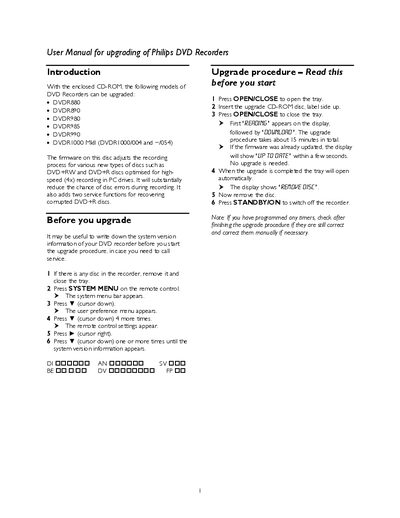
Philips DVD Recorder Firmware Upgrade User Manual
The manual provides step‑by‑step instructions for upgrading the firmware of several Philips DVD Recorder models using the supplied CD‑ROM. It describes how to access the system menu, start the upgrade process, and verify completion, as well as notes on checking timer settings after the upgrade.
Additional sections cover new functions such as DVD+R disc recovery and forced finalisation, troubleshooting tips for common error messages, and a list of Philips Customer Care Center phone numbers for further assistance.
Philips DVDR985 specifications
| Disc capacity | 47 GB (12 cm single‑sided) |
|---|---|
| Power consumption (operation) | 40 W |
| Power consumption (standby) | 3 W |
| Dimensions (W × H × D) | 435 × 107 × 330 mm |
| Net weight | 55 kg |
| Video output resolution (PAL/NTSC) | 720 × 576 pixels / 720 × 480 pixels |
| Audio output format | Dolby Digital 5.1‑channel, 16‑bit, 48 kHz |
| Number of video lines | 625 (PAL) / 525 (NTSC) |
All Philips DVDR985 documents by type
Day-to-day operation, settings and troubleshooting. Start here if the product is already set up.
Questions answered in these manuals
What are the power requirements of the DVD R985?
The recorder operates on 200‑240 V, 50/60 Hz, consuming 40 W during operation and 3 W in standby.
How many video lines does the DVD R985 output?
It outputs 625 lines for PAL and 525 lines for NTSC.
How do I start the firmware upgrade?
Insert the upgrade CD‑ROM, close the tray, and the display will show “REAGING” followed by “GGUNLGAD”; the upgrade takes about 5 minutes.
What does the DVD+R disc recovery function do?
It attempts to retrieve the contents of an unfinalised DVD+R disc when the message “Disc contains unknown data” appears.