
Key facts
- Brand
- Philips
- Model
- CID3693
- Category
- Vehicle GPS
- Industry
- Automotive
- Documents
- 2
- Languages
- ZH
- Last added
- 2012-03-27
Start here
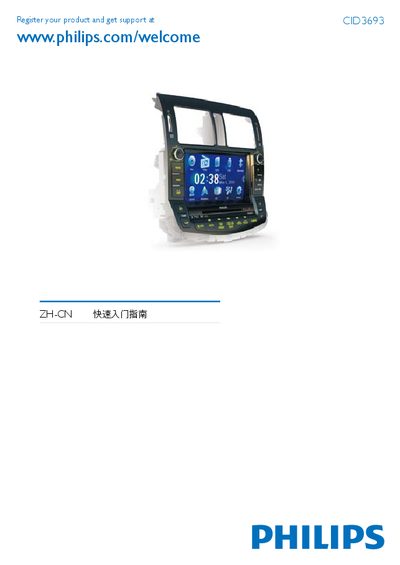
Philips CID3693 CVBS0DLQ Reverse Parking Camera Quick Start Guide
This guide explains how to connect the wiring, install the camera in the vehicle dashboard, and power it on. It includes safety notes such as disconnecting the battery negative terminal and keeping the dashboard opening tilt angle between 0 and 20 degrees.
The manual also describes how to set date and time, use the built‑in map, listen to FM/AM radio, play DVDs or audio CDs, connect USB storage, insert SD/MMC cards, and make phone calls via Bluetooth. This manual is written in Chinese.
Philips CID3693 specifications
| Memory Card Support | SD / MMC / SDHC |
|---|---|
| Audio Formats | MP3 32‑320 Kbps, WMA v9 |
| Video Resolution | 640 × 480 |
| Audio Frequency Response | 20 Hz – 20 kHz |
All Philips CID3693 documents by type
Day-to-day operation, settings and troubleshooting. Start here if the product is already set up.
The shortest path to a working setup, usually only a few pages.
Questions answered in these manuals
Does the manual include environmental compliance information?
Yes, it lists hazardous substance limits and references the SJ/T11363 standard.
How do I install the reverse parking camera?
Disconnect the vehicle battery negative terminal, attach the plastic clips and brackets, fix the device into the dashboard opening, and reconnect the battery.
From: Philips CID3693 CVBS0DLQ Reverse Parking Camera Quick Start Guide
How do I play a DVD or audio CD?
Insert the disc with the label side up into the disc slot; playback starts automatically.
From: Philips CID3693 CVBS0DLQ Reverse Parking Camera Quick Start Guide