
Key facts
- Brand
- Philips
- Model
- CED750
- Category
- MP3 Player
- Industry
- Electronics
- Documents
- 3
- Languages
- EN · ID · ZH
- Last added
- 2012-03-27
Start here
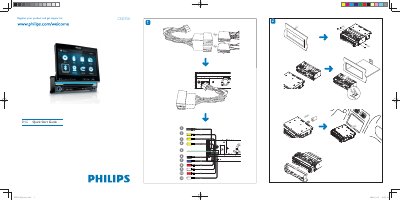
Philips CED750 Audio Player Quick Start Guide
This guide walks you through registering the CED750, connecting the ISO wiring harness, and mounting the unit in the dashboard. It also covers power‑up procedures, clock setting, and basic navigation of the on‑screen menu.
Additional sections explain how to tune FM/AM radio, play CDs, use USB or SD/MMC cards, pair Bluetooth devices, and make or receive calls using the built‑in microphone and speaker.
Philips CED750 specifications
| Operating voltage | 12 V DC |
|---|---|
| Fuse rating | 15 A |
| Bluetooth frequency | 2.4 GHz |
All Philips CED750 documents by type
Day-to-day operation, settings and troubleshooting. Start here if the product is already set up.
The shortest path to a working setup, usually only a few pages.
Questions answered in these manuals
How do I connect the CED750 to the car dashboard?
Pull out the ISO connectors from the car dashboard and connect them to the bigger end of the supplied standard connector.
How do I pair a Bluetooth device with the CED750?
Turn on Bluetooth on the device, select “CED750” in the pairing list, and enter the default password “0000”.
How do I pair a Bluetooth device with the CED750?
Open the Bluetooth settings menu, ensure the external device’s Bluetooth is turned on, and follow the on‑screen prompts to pair.
What should I do if the unit has no power?
Make sure the car engine is running, check that the 12 V power connector is properly seated, and verify the fuse is not blown; replace a 15 A fuse if needed.
What video formats does the Philips CED750 support?
It can play DVD, DVD‑R, DVD‑RW, DVD+R, DVD+RW, Video CD, SVCD, DivX, MPEG‑4 and Picture CD.
Does the CED750 have Bluetooth functionality?
Yes, it includes a Bluetooth hands‑free function for safe use while driving.