
This document is the user manual for the Philips Car Entertainment System, which explains how to use various features of the product, including connecting devices via Bluetooth, adjusting volume, and setting system parameters.
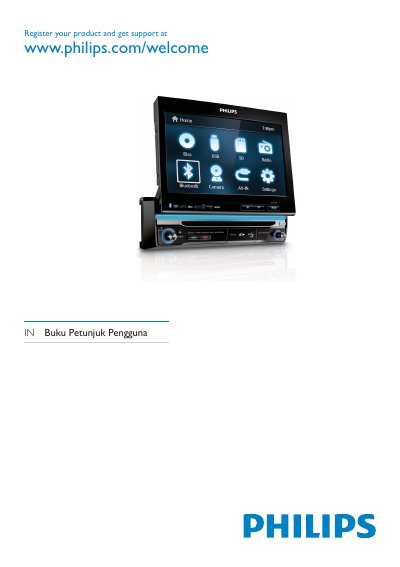
This manual covers the Philips CED750 car entertainment system, describing its audio, video, Bluetooth, and radio functions for in‑vehicle use. It includes safety information, installation steps, and how to register the product for support.
The guide is organized into sections on safety, preparation, connecting power and speakers, using the remote control, adjusting audio and video settings, Bluetooth pairing, radio tuning, disc playback, troubleshooting common issues, and a glossary of terms.
| Operating voltage | 12 V DC |
|---|---|
| Fuse rating | 15 A |
| Bluetooth frequency | 2.4 GHz |
Open the Bluetooth settings menu, ensure the external device’s Bluetooth is turned on, and follow the on‑screen prompts to pair.
Make sure the car engine is running, check that the 12 V power connector is properly seated, and verify the fuse is not blown; replace a 15 A fuse if needed.
Press the RESET button on the unit to restart it.