
Key facts
- Brand
- Philips
- Model
- LFH0865
- Category
- MP3 Player
- Industry
- Electronics
- Documents
- 2
- Languages
- EN · ZH
- Last added
- 2012-03-23
Start here
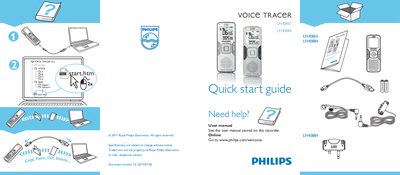
Philips LFH0865 LFH0884 Quick Start Guide
This quick start guide introduces the Philips LFH0865 and LFH0884 voice recorders. It provides the essential information needed to power the device on, start a recording, and play back audio.
The guide lists the main control buttons and their functions, such as ON/OFF, REC, PAUSE, and various playback controls. It also points users to the online user manual for more detailed instructions.
Philips LFH0865 specifications
| USB Interface | High‑speed mini USB 2.0 |
|---|---|
| Internal Storage Capacity | 8 GB |
| Supported Recording Formats | MP3, PCM (WAV) |
| Battery Types | 2 × Philips AAA alkaline or Philips LFH9154 rechargeable |
| Maximum Recording Time (SLP mode) | 2250 hours |
All Philips LFH0865 documents by type
Day-to-day operation, settings and troubleshooting. Start here if the product is already set up.
The shortest path to a working setup, usually only a few pages.
Questions answered in these manuals
How do I start a recording?
Press the REC button to begin recording.
How can I pause playback?
Press the PAUSE button to pause the audio.
How do I set the date and time on the Voice Tracer?
When you first install the battery, the recorder prompts you to set the date and time; use the +/– buttons and the k button to adjust year, month, day, and time.
What batteries are compatible with the Voice Tracer?
The recorder works with two Philips AAA alkaline batteries (LR03 or R03) or the Philips LFH9154 rechargeable battery.