
This manual introduces the installation, usage and precautions of CED750.
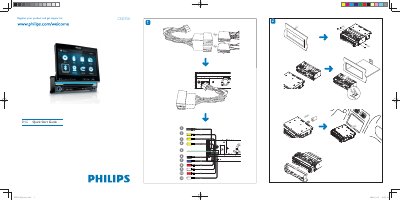
This guide walks you through registering the CED750, connecting the ISO wiring harness, and mounting the unit in the dashboard. It also covers power‑up procedures, clock setting, and basic navigation of the on‑screen menu.
Additional sections explain how to tune FM/AM radio, play CDs, use USB or SD/MMC cards, pair Bluetooth devices, and make or receive calls using the built‑in microphone and speaker.
| Dimensions | 183 mm x 53.5 mm x 5 mm |
|---|---|
| Connector type | ISO connectors |
Pull out the ISO connectors from the car dashboard and connect them to the bigger end of the supplied standard connector.
Turn on Bluetooth on the device, select “CED750” in the pairing list, and enter the default password “0000”.
Insert the disc into the disc slot with the label side facing up; playback starts automatically.