
This manual describes how to connect and use the external hard disk. The brand of the external hard disk is Philips, and the model is SPE3000 series.
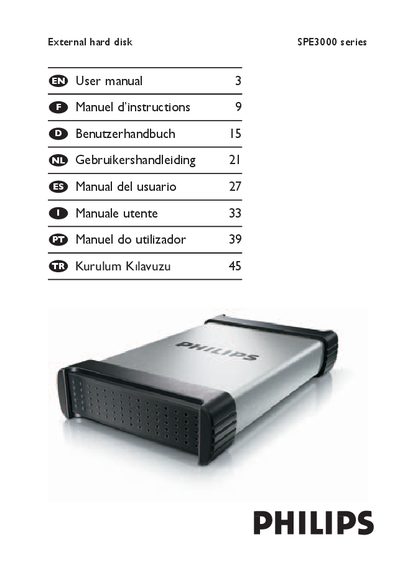
This manual provides step-by-step instructions for connecting and disconnecting the Philips SPE3000 external hard disk. It includes details on installation for Windows and Mac systems, important safety and usage information, and technical specifications such as capacity, interface, and transfer speed. The document also covers warranty information and disposal guidelines for electronic waste.
| Capacity | Depending on model |
|---|---|
| Interface | Hi-Speed USB 2.0 |
| Transfer speed | 480 Mb/s |
| Rotational speed | 7200 rpm |
| Cache memory | 8 MB/32 MB* |
| System requirements | USB 1.1 (USB 2.0 for max. transfer speed) Windows 2000, Windows XP, Windows Vista |
Connect the power adapter and power cord to the hard disk and a power outlet. Plug the USB cable into the hard disk and an empty USB port on your computer. A drive icon should appear and the blue light should light up.
Requires USB 1.1 (USB 2.0 for maximum speed) and Windows 2000, Windows XP, or Windows Vista.