
This manual provides installation, operation, image optimization, and troubleshooting instructions for the Philips 241S4 LCD monitor.
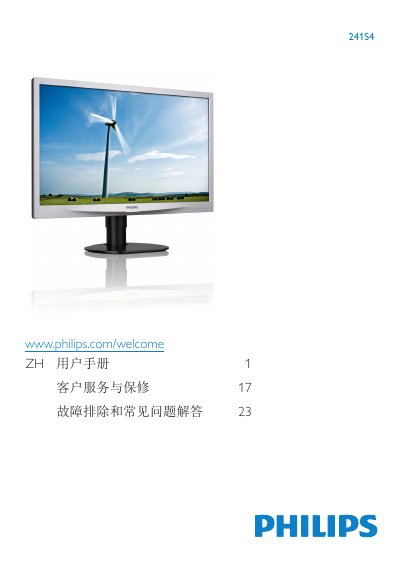
This document is the user manual for the Philips 241S4 LCD monitor. It covers essential safety information, setup instructions including base installation and connecting to a PC, and operating the On-Screen Display (OSD) menu for image adjustments such as Brightness, Contrast, and SmartImage modes. The guide also details power management features and includes a section on troubleshooting common issues. This manual is written in Chinese.
| Operating Temperature | 0-40°C |
|---|---|
| Operating Humidity | 20-80% RH |
| Inputs | VGA, DVI |
It is recommended to rest for 5-10 minutes every 50-60 minutes of continuous use.
It may cause 'image retention' or 'burn-in' marks on the screen which might not disappear.
The available modes are Office, Photo, Movie, Game, Economy, and Off.