
This user manual provides installation, operation, image optimization settings, technical specifications, and troubleshooting for the Philips 241S4 monitor.
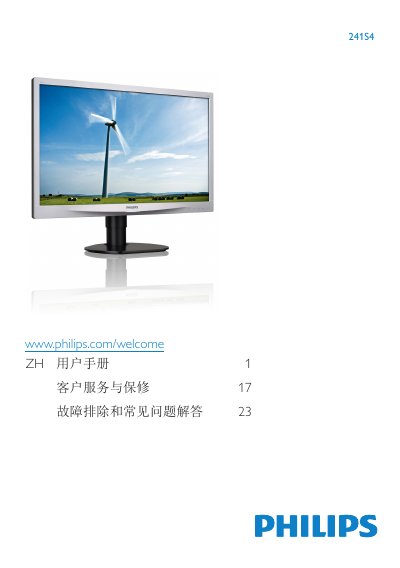
The Philips 241S4 is a flat-panel display designed for office and home use. This manual covers essential safety information, including proper ventilation, power usage, and environmental conditions to prevent damage or injury.
It details the setup process, distinguishing between models with VESA mounts (241S4L) and those with integrated stands (241S4LC). The guide explains how to connect VGA and DVI inputs, operate the On-Screen Display (OSD) menu for brightness and contrast adjustments, and utilize SmartImage modes like Office, Photo, Movie, Game, and Economy. This manual is written in Chinese.
| Temperature Range | 0-40°C (32-104°F) |
|---|---|
| Humidity Range | 20-80% RH |
The monitor offers six modes: Office, Photo, Movie, Game, Economy, and Off.
You should rest your eyes for 5-10 minutes after using the screen continuously for 50-60 minutes.
The monitor must be operated at a temperature of 0-40°C (32-104°F) with a relative humidity of 20-80%.
You must wait 6 seconds before reconnecting the power cable to perform normal operation.