
This document is a user manual for the 241S4L model display
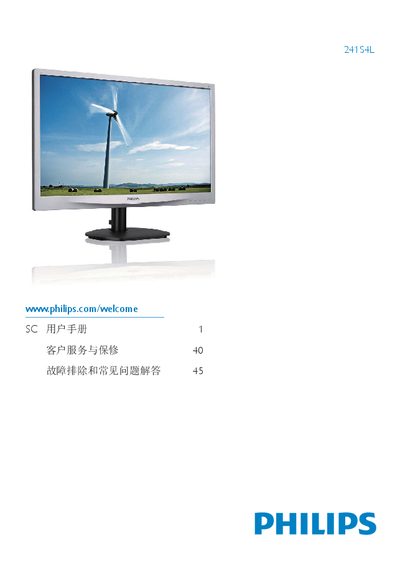
This user guide provides instructions for setting up and using the Philips 241S4L monitor. It covers display settings such as SmartImage, SmartContrast, and SmartSharpness. The guide also includes information on connecting the monitor to a PC or Mac, adjusting picture settings, and troubleshooting common issues. The monitor supports VGA, DVI, and DisplayPort connections and has a 1920 x 1080 @ 60Hz resolution.
| Resolution | 1920 x 1080 @ 60Hz |
|---|---|
| Color Temperature | 5000K, 6500K, 7500K, 8200K, 9300K, 11500K |
| Operating Temperature | 0-40°C (32-95°F) |
| Operating Humidity | 20-80% RH |
The monitor has a resolution of 1920 x 1080 @ 60Hz.
The operating temperature range is 0-40°C (32-95°F).