
Key facts
Start here
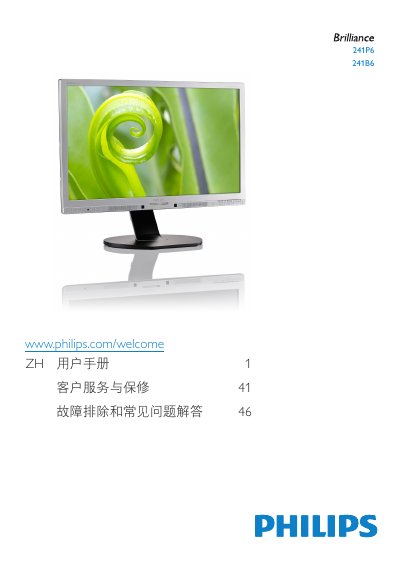
Philips 241P6 Monitor User Manual
User Manual 52 pages · 8 MB · ZH
This user manual covers the setup and operation of the Philips 241P6 monitor. It includes instructions for installing the stand, connecting the monitor to a PC via various interfaces like VGA, DVI, and DisplayPort, and powering it on. The guide explains how to use the on-screen display (OSD) menu to adjust settings such as input selection, brightness, and contrast. This manual is written in Chinese.
Read onlinePhilips 241P6 specifications
| Video inputs | DVI, MHL-HDMI, DisplayPort, VGA |
|---|---|
| USB ports | USB upstream port, USB downstream port, USB fast charger |
| AC/DC adapter model | Philips ADPC20120 |
| Operating temperature | 0–40 °C (32–104 °F) |
| Operating humidity | 20–80% RH |
All Philips 241P6 documents by type
User Manual 2
Day-to-day operation, settings and troubleshooting. Start here if the product is already set up.
Questions answered in these manuals
How do I know the monitor installation is complete?
If the monitor displays an image, the installation is complete.
Which AC/DC adapter model should I use?
Only the Philips ADPC20120 AC/DC adapter should be used.
What is the model number of this Philips monitor?
The model number is 241P6.
What are the six SmartImage modes available on this monitor?
The six modes are Office, Photo, Movie, Game, Economy, and Off.