
Key facts
Start here
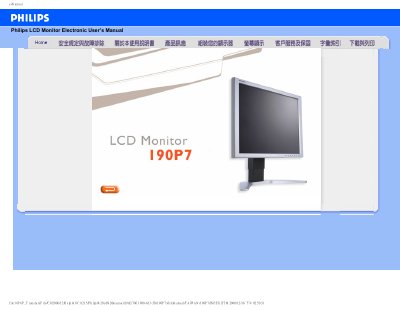
Philips 190P7 LCD Monitor Electronic User's Manual
This electronic user manual is for the Philips 190P7 LCD monitor. It contains safety precautions, troubleshooting information, and frequently asked questions.
The manual covers general questions, screen adjustment, compatibility with other equipment, LCD screen technology, ergonomics and safety standards, troubleshooting, regulations, and other related information. This manual is written in Chinese.
Philips 190P7 specifications
| Operating Temperature | 35 °C (95 °F) |
|---|---|
| Operating Humidity | 20‑80 % RH |
| Recommended Video Mode | 1280 × 1024 @ 50 Hz |
| VESA Mounting Holes | 4 standard VESA holes on rear panel |
Source: Philips 190P7 LCD Monitor Safety and Troubleshooting Manual
All Philips 190P7 documents by type
Day-to-day operation, settings and troubleshooting. Start here if the product is already set up.
Questions answered in these manuals
What should I do if the monitor shows "Cannot display this video mode"?
Set the display to 1280x1024 pixels at 60 Hz in Windows, restart the computer, then reconnect the Philips LCD monitor.
What is refresh rate for an LCD monitor?
For LCD monitors, refresh rate is less important; a 60 Hz rate gives a stable, flicker-free image.
安装我的显示器时,屏幕显示“Cannot display this video mode”,我该怎么办?
按照手册步骤先拔除所有连接线,使用电脑已确认可正常显示的显示器进行连接,然后在 Windows 显示设置中将分辨率调至 1280 × 1024 并将刷新率设为 60 Hz,最后重新启动电脑并连接新显示器。
From: Philips 190P7 LCD Monitor Safety and Troubleshooting Manual
何为液晶显示器中的“刷新率”?
刷新率指的是显示器每秒更新图像的次数,对 LCD 来说 60 Hz 已足以提供稳定、无闪烁的图像显示。
From: Philips 190P7 LCD Monitor Safety and Troubleshooting Manual