
This document is about safety precautions and troubleshooting information for Philips 160E1 LCD monitor
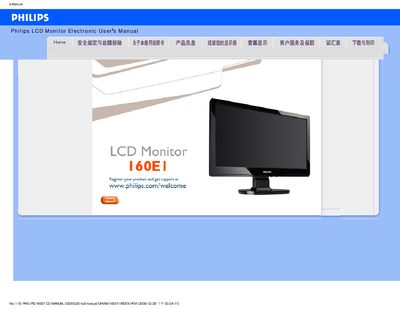
This electronic user manual covers safety measures, installation, screen adjustment, and basic operation of the Philips 160E1 LCD monitor. It includes detailed FAQs, troubleshooting procedures, and a full list of technical specifications.
The guide also explains how to install drivers, clean the screen, use the Auto function, and reset the monitor to factory defaults, helping users get the most out of their display.
| Screen size | 15.6 inches |
|---|---|
| Resolution | 1366 x 768 pixels @ 60 Hz |
Set the display to 1366 × 768 resolution at 60 Hz.
Press the MENU button and select Reset to restore the original factory configuration.
Use a soft cloth for routine cleaning; for a thorough clean use isopropyl alcohol and avoid ethanol, acetone or other solvents.