
Key facts
- Brand
- EXTECH
- Model
- SDL800
- Industry
- Industrial
- Documents
- 2
- Languages
- EN
- Last added
- 2012-08-01
Start here
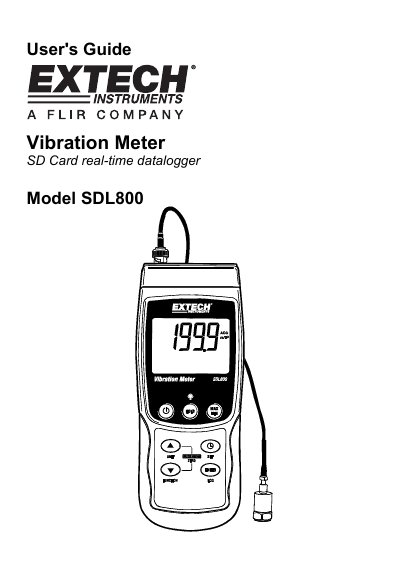
Extech SDL800 Vibration Meter User's Guide
User Manual 10 pages · 279 KB · EN
This manual provides instructions for the Extech SDL800 Vibration Meter, a device that displays and stores vibration readings for acceleration, velocity, and displacement. It supports multiple measurement units and allows data to be logged onto an SD card for transfer to a PC. The meter is powered by six 1.5VDC 'AA' batteries or an optional AC adaptor.
Read onlineEXTECH SDL800 specifications
| Measurement Types | Acceleration, Velocity, Displacement |
|---|---|
| Supported Units | meters/s2, ft/s2, g, mm/s, cm/s, in/s, mm and inch |
| Power Source | six (6) 1.5VDC 'AA' batteries or optional AC adaptor |
| SD Card Capacity | 1G size up to 16G |
| Auto Power OFF Time | 10 minutes |
All EXTECH SDL800 documents by type
User Manual 2
Day-to-day operation, settings and troubleshooting. Start here if the product is already set up.
Questions answered in these manuals
How do I power the meter on or off?
Press and hold the power button for at least 1.5 seconds to turn the meter on or off.
How do I change the unit of measure?
Press and hold the UNIT button until the desired unit appears, then release the button.
What is the frequency range of the Extech SDL800?
The device has a wide frequency range of 10Hz to 1kHz.
What measurement modes are available?
The meter supports RMS, Peak Value, or Max Hold measurement modes.