
Key facts
- Brand
- EXTECH
- Model
- VB400
- Industry
- Industrial
- Documents
- 2
- Languages
- EN
- Last added
- 2012-08-01
Start here
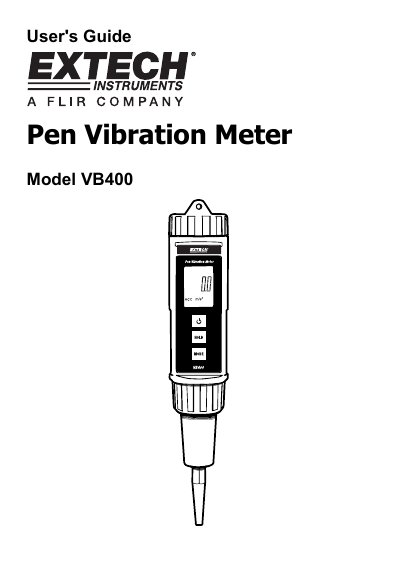
Extech VB400 Pen Vibration Meter User's Guide
This manual provides instructions for the Extech VB400 Pen Vibration Meter, a device designed for accurate velocity and acceleration measurements on industrial machinery. It details the meter's features, including acceleration and velocity modes with metric and imperial units, and a frequency range of 10 Hz to 1 kHz.
Read onlineEXTECH VB400 specifications
| Frequency range | 10 Hz - 1 kHz |
|---|---|
| Operating temperature | 0 to 50° C |
| Power supply | DC 1.5V battery (UM-4/AAA) x 4 |
| Weight | 240 g |
All EXTECH VB400 documents by type
Day-to-day operation, settings and troubleshooting. Start here if the product is already set up.
Questions answered in these manuals
How do I adjust the meter zero?
Open the battery compartment, hold the battery lid down to turn the meter on, and adjust the zero adjustment until the display reads zero.
What batteries are required?
The meter requires four AAA batteries (UM-4/AAA).
What does the Extech VB400 Pen Vibration Meter measure?
The meter measures RMS Acceleration and Velocity using both metric and imperial units of measure.
What is the acceleration measurement range for this device?
The acceleration range extends from 0.01g up to 20.39g.