
Key facts
- Brand
- EXTECH
- Model
- SDL550
- Industry
- Industrial
- Documents
- 2
- Languages
- EN
- Last added
- 2012-08-01
Start here
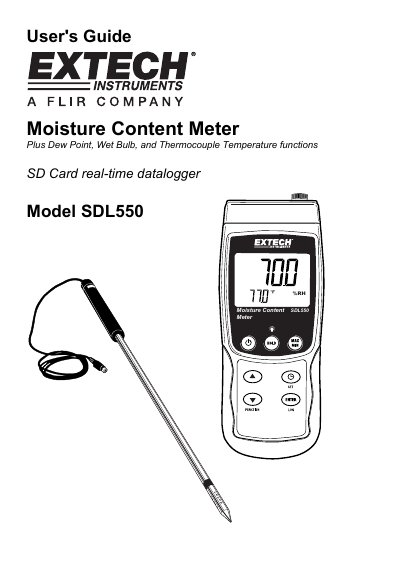
Extech SDL550 Moisture Content Meter User Guide
The Extech SDL550 is a versatile instrument designed to measure moisture content, dew point temperature, wet bulb temperature, and thermocouple temperature. It features an SD card real-time datalogger and an RS232 port for data transfer to a PC. The device is powered by six 1.5VDC 'AA' batteries or an optional AC adaptor.
Read onlineEXTECH SDL550 specifications
| Power Source | six (6) 1.5VDC 'AA' batteries or optional AC adaptor |
|---|---|
| Max Thermocouple Temperature | 1300 C (2372 F) |
| Datalogger Sampling Rate | 0 to 3600 Seconds |
| Auto Power OFF Time | 10 minutes |
All EXTECH SDL550 documents by type
Day-to-day operation, settings and troubleshooting. Start here if the product is already set up.
Questions answered in these manuals
How do I turn the display backlight on or off?
Press and hold the backlight button for at least 1.5 seconds. The meter will beep when switching the backlight ON or OFF unless the beeper is disabled.
What thermocouple types are supported?
The meter supports Type J or K thermocouples, though the user must select the correct type in the Setup mode.
What materials can the EXTECH SDL550 monitor moisture in?
It can monitor moisture in grain, corn, rice, cotton, paper, and other materials.
What is the moisture content measurement range?
The measurement range is from 10 to 95%.