
Key facts
- Brand
- EXTECH
- Model
- SD200
- Industry
- Industrial
- Documents
- 3
- Languages
- EN
- Last added
- 2012-08-01
Start here
EXTECH 3 Channel Datalogging Thermometer Model SD200 user manual
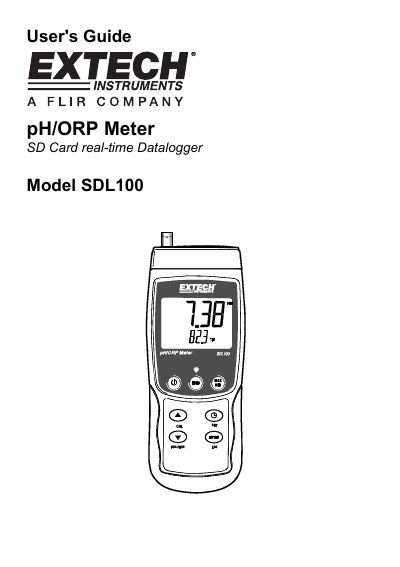
The Extech SDL100 is a pH/ORP meter featuring an SD Card real-time Datalogger. It displays pH readings from 0 to 14.00 and ORP readings up to +1999mV, with automatic temperature compensation via a supplied probe. Data can be stored on an SD card or streamed to a PC via an RS232 port.
The manual details how to power the device using six AA batteries or an optional AC adaptor, select between pH and ORP modes, and perform measurements. It also explains the use of the MAX-MIN function, display backlight, and data hold features.
EXTECH SD200 specifications
| pH Measurement Range | 0.00 to 14.00 |
|---|---|
| ORP Measurement Range | +1999 mV |
| Power Source | Six (6) 1.5VDC 'AA' batteries or optional AC adaptor |
| Auto Power OFF Time | 5 minutes |
| Datalogger Sampling Rate | 0 seconds to 8 hours, 59 minutes, and 59 seconds |
Source: EXTECH 3 Channel Datalogging Thermometer Model SD200 user manual
All EXTECH SD200 documents by type
Day-to-day operation, settings and troubleshooting. Start here if the product is already set up.
Questions answered in these manuals
How do I turn the meter on and off?
Press and hold the power button for at least 1.5 seconds to power ON, and hold it for 1.5 seconds to power OFF.
From: EXTECH 3 Channel Datalogging Thermometer Model SD200 user manual
How do I switch between pH and ORP modes?
Press and hold the FUNCTION button for at least 1.5 seconds until the display toggles between pH and ORP modes.
From: EXTECH 3 Channel Datalogging Thermometer Model SD200 user manual
What type of thermocouples are compatible with the SD200?
The meter is designed to use Type K thermocouple temperature probes.
From: Extech SD200 3-Channel Datalogging Thermometer User's Guide
How do I start datalogging on the device?
Press the LOGGER button for more than 2 seconds until 'DATALOGGER' appears in the display.
From: Extech SD200 3-Channel Datalogging Thermometer User's Guide
What is the Extech SD200?
The Extech SD200 is a 3-Channel Temperature Datalogger.
From: Extech SD200 3-Channel Temperature Datalogger Specifications
What format does the device store data in?
The datalogger stores readings on an SD card in Excel®format for easy transfer to a PC.
From: Extech SD200 3-Channel Temperature Datalogger Specifications