
Extech SDL800 is a vibration meter that can display and record vibration readings of acceleration, velocity, and displacement. It supports multiple measurement units and can transfer data to a PC via SD card.
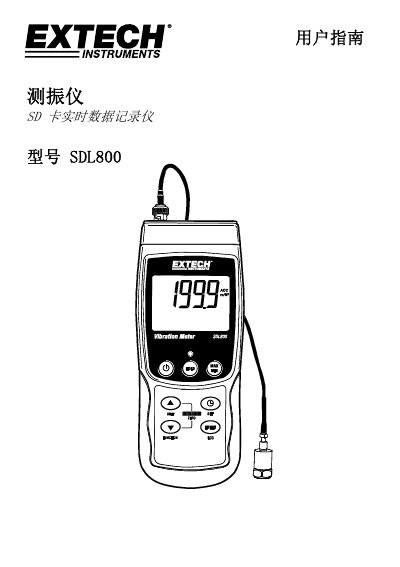
The Extech SDL800 is a vibration meter designed to display and store readings for acceleration, velocity, and displacement. It supports multiple measurement units including m/s2, ft/s2, g, mm/s, cm/s, in/s, mm, and inches. Data recorded on the device can be saved to an SD card for later transfer to a PC. This manual is written in Chinese.
The instrument displays and stores vibration readings for acceleration, velocity, and displacement.
You must insert an SD card ranging from 1G to 16G into the slot.
You need to press and hold the power button for at least 1.5 seconds.