
Key facts
- Brand
- EXTECH
- Model
- 475040 and 475044
- Industry
- Industrial
- Documents
- 2
- Languages
- EN
- Last added
- 2026-10-24
Start here
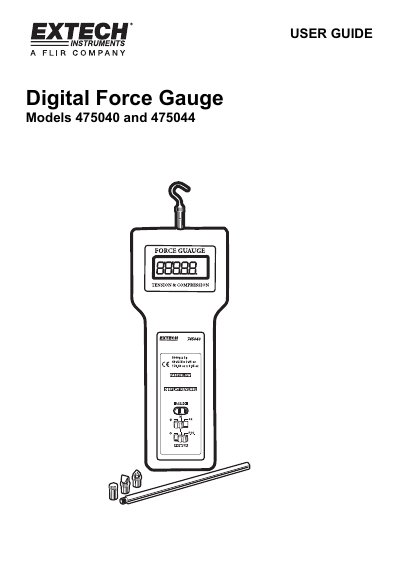
Extech 475040 and 475044 Digital Force Gauge User Guide
This user guide provides instructions for the Extech 475040 and 475044 Digital Force Gauges, which measure tension or compression forces up to 5kg or 20kg respectively. The device features a reversible LCD display showing readings in grams, ounces, or Newtons, along with Peak Hold and Zero functions.
Read onlineExtech 475040 and 475044 specifications
| Range (475044) | 44 lbs, 20kg, 196 Newtons |
|---|---|
| Range (475040) | 176oz, 5000g, 49 Newtons |
| Accuracy (23°C) | ±(0.5%rdg + 2 digits) for 475044 |
| Power Supply | 6x 1.5V AA batteries or DC 9V adapter |
| Operating Temperature | 0 °C to 50 °C |
Source: Extech Models 475040 and 475044 Digital Force Gauge User's Guide
All Extech 475040 and 475044 documents by type
Day-to-day operation, settings and troubleshooting. Start here if the product is already set up.
Questions answered in these manuals
What is the overload capacity of the gauge?
The gauge has an overload capacity of 30kg.
From: Extech Models 475040 and 475044 Digital Force Gauge User's Guide
How do I select between fast and slow response modes?
Press the FAST/SLOW key to select the desired display update rate.
From: Extech Models 475040 and 475044 Digital Force Gauge User's Guide
How do I select the units of measure?
Select units of measure (grams/kilograms, ounces/pounds, or Newtons) via the units select button.
From: Extech 475040 and 475044 Digital Force Gauge User Guide
What does the FAST/SLOW setting do?
The FAST setting permits the capture of fast measurement changes and the SLOW setting provides an averaged reading display.
From: Extech 475040 and 475044 Digital Force Gauge User Guide