
Key facts
- Brand
- EXTECH
- Model
- MO700
- Industry
- Industrial
- Documents
- 2
- Languages
- EN
- Last added
- 2012-08-01
Start here
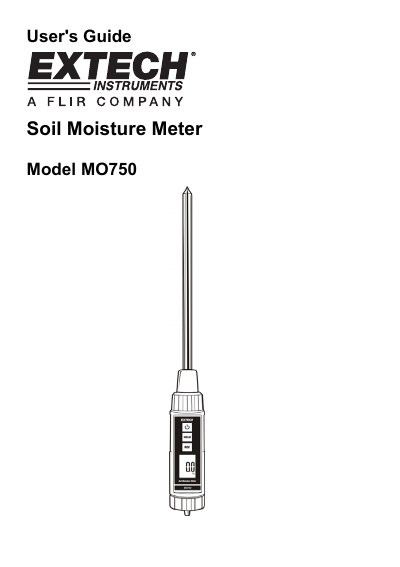
EXTECH MO700 Manual(1)
The Extech MO750 is a digital soil moisture meter designed to provide accurate measurements in various environments. It features an 8-inch stainless steel probe, a large LCD display, and a waterproof ABS plastic housing for durability and ease of use.
Operation involves inserting the probe into the soil at least 4 inches deep and pressing the power button. The device includes functions such as data hold to freeze readings, and record mode to track maximum and minimum values.
EXTECH MO700 specifications
| Measurement range | 0% to 50% moisture content of soil sample |
|---|---|
| Resolution | 0.1% |
| Probe material | Stainless steel |
| Power supply | (4) "AAA" batteries |
| Operating Temperature | 32 to 122 o F (0 to 50 o C) |
Source: EXTECH MO700 Manual(1)
All EXTECH MO700 documents by type
Day-to-day operation, settings and troubleshooting. Start here if the product is already set up.
Questions answered in these manuals
How deep should the probe be inserted into the soil?
The probe head should normally be inserted at least 4" (10cm) into the soil.
From: EXTECH MO700 Manual(1)
What happens when the batteries need replacing?
A Low Battery icon will appear on the LCD display.
From: EXTECH MO700 Manual(1)
What is the Extech MO750 used for?
The meter monitors moisture in soil using a built-in stainless-steel probe to help ensure healthy plant growth.
From: EXTECH MO700 Manual
What is the measurement range for soil moisture content?
The device measures soil moisture content from 0 to 50%.
From: EXTECH MO700 Manual