
Key facts
- Brand
- EXTECH
- Model
- 475055
- Category
- Other
- Industry
- Industrial
- Documents
- 2
- Languages
- ZH · EN
- Last added
- 2026-10-02
Start here
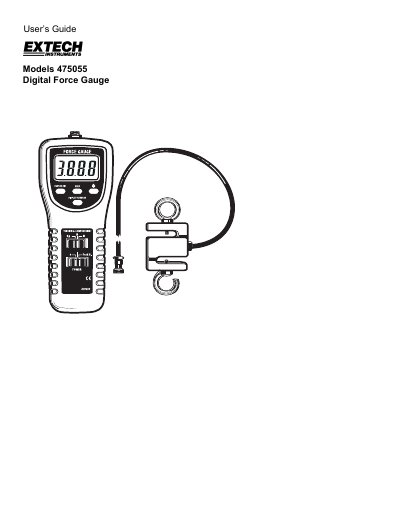
Extech Model 475055 Digital Force Gauge User's Guide
The Extech Model 475055 is a digital force gauge designed to measure both tension (pull) and compression (push) forces up to 220 lbs. It features an automatic determination of force direction, peak hold functionality, selectable fast/slow response times, and the ability to reverse the display orientation. The device includes a separate S-type load sensor with hooks for secure attachment.
Read onlineExtech 475055 specifications
| Range | 220 lb / 100 kg / 980 N |
|---|---|
| Accuracy (23 °C) | ±(0.5 % of reading + 0.1 lb, 0.1 kg or 0.4 N) |
| Resolution | 0.05 lb, 0.05 kg, 0.2 N |
| Overload Capacity | 150 kg |
| Display | 5‑digit LCD, 0.63 in (16 mm) height |
| Refresh Rate – Fast | 0.2 s |
| Refresh Rate – Slow | 0.6 s |
| Sensor Type | S‑type load cell with two hooks |
| Power Supply | 6 × 1.5 V AA batteries or 9 V DC adapter |
| Instrument Weight | 278 g |
| Instrument Dimensions | 8.5 × 3.5 × 1.8 in (215 × 90 × 45 mm) |
All Extech 475055 documents by type
Day-to-day operation, settings and troubleshooting. Start here if the product is already set up.
Questions answered in these manuals
How do I change the measurement unit on the 475055?
Press the unit‑selection button to toggle between kilograms, pounds, or newtons.
How is the backlight activated?
Briefly press the backlight button; the LCD lights for about 15 seconds before turning off automatically.
How does the gauge determine if it is measuring tension or compression?
The instrument automatically determines Tension or Compression (pull/push) force during use.
What happens when the measurement exceeds the specified range?
The LCD displays all dashes at the top for tension measurements and at the bottom for compression measurements.