
Key facts
- Brand
- EXTECH
- Model
- 341350A
- Documents
- 4
- Languages
- EN
- Last added
- 2023-10-18
Start here
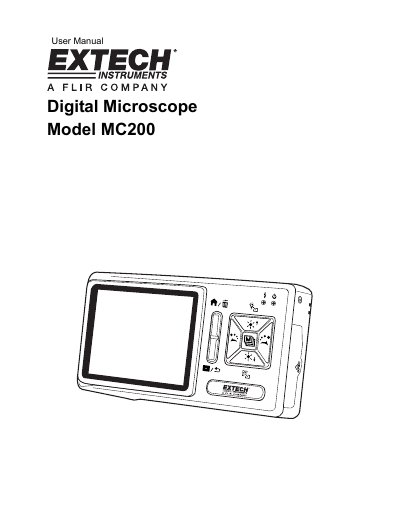
MC MC200 Digital Microscope User Manual
The MC MC200 is a digital microscope designed for observation, photography, and video recording. It features various push-buttons and interfaces including USB ports, an SD card slot, and TV signal output. The device includes five lens adaptors for different subjects such as SMT components, coins, and deep tanks.
Read onlineEXTECH 341350A specifications
| Model | 341350A |
|---|---|
| Measures | pH, Conductivity, TDS, Salinity, ORP (mV) |
| Display | Hinged LCD display, adjustable viewing angle |
| Battery Operation | Battery operated, portable |
| Auto Power Off | 10-minute inactivity timeout |
| Memory | 25 readings storage |
All EXTECH 341350A documents by type
Day-to-day operation, settings and troubleshooting. Start here if the product is already set up.
Questions answered in these manuals
How do I calibrate the pH probe?
Connect the pH probe to a buffer solution (e.g., pH7, then pH4 or pH10), press MODE/CAL until PH icon appears, set temperature if needed, then hold MODE/CAL until display flashes '7.00'.
Can I disable the auto power-off feature?
Yes, press and hold the POWER button for 2 seconds to disable auto power-off; it will re-enable after the next power-up.
What steps are required before using the instrument for the first time?
You must charge the lithium battery for 6 to 8 hours before using the instrument for the first time.
How many levels of brightness are available for adjustment?
There are eight levels of brightness available for adjustment.
How often should I calibrate the pH electrode?
It is recommended that calibration be performed once a day or before each use if the meter is not used on a daily basis.
How often should conductivity accuracy verification be performed?
Conductivity accuracy verification should be performed once per month for normal use.