
Key facts
- Brand
- EXTECH
- Model
- HD550
- Category
- Other Electronics
- Documents
- 2
- Languages
- EN
- Last added
- 2012-08-01
Start here
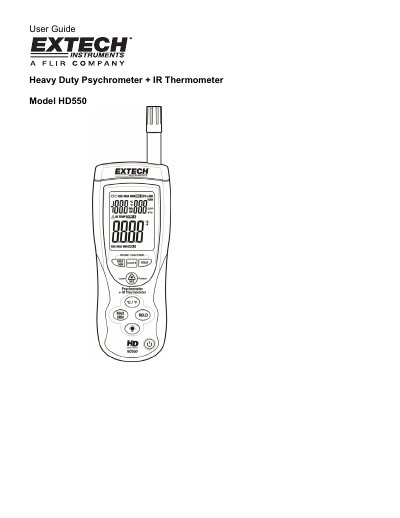
Extech HD550 Heavy Duty Psychrometer + IR Thermometer User Guide
This document is the user guide for the Extech HD550 Heavy Duty Psychrometer + IR Thermometer. The device features a triple digital LCD display and measures air temperature, dew point, wet bulb temperature, humidity, and surface temperature using a built-in infrared thermometer. It includes a Type K thermocouple input jack and a red laser pointer for aiming.
Read onlineEXTECH HD550 specifications
| Display | Dual Display Multi-function LCD with 9999 counts |
|---|---|
| Sampling rate | 1 reading per second |
| Auto Power OFF | Automatic shut off after 15 minutes |
| Operating conditions | Meter: 32 to 122°F (0 to 50°C); 80% RH max. |
Source: Extech HD550 Heavy Duty Psychrometer + IR Thermometer User Guide
All EXTECH HD550 documents by type
Day-to-day operation, settings and troubleshooting. Start here if the product is already set up.
Ratings, dimensions and ordering codes, for selection and design work.
Questions answered in these manuals
How do I disable the auto power off feature?
Hold the IRT button and then press the power button to turn the power on. When 'disAPO' appears in the display, release the IRT button.
From: Extech HD550 Heavy Duty Psychrometer + IR Thermometer User Guide
What is the IR Distance to Spot ratio?
The meter's field of view ratio is 30:1.
From: Extech HD550 Heavy Duty Psychrometer + IR Thermometer User Guide
What functions are combined in the EXTECH HD550?
The instrument combines the functions of a Humidity Meter, Type K Thermometer, and InfraRed Thermometer.
What is the accuracy of the humidity measurement?
The humidity measurement accuracy is +2%RH.