
Key facts
- Brand
- EXTECH
- Model
- MN42
- Industry
- Industrial
- Documents
- 2
- Languages
- EN
- Last added
- 2012-08-01
Start here
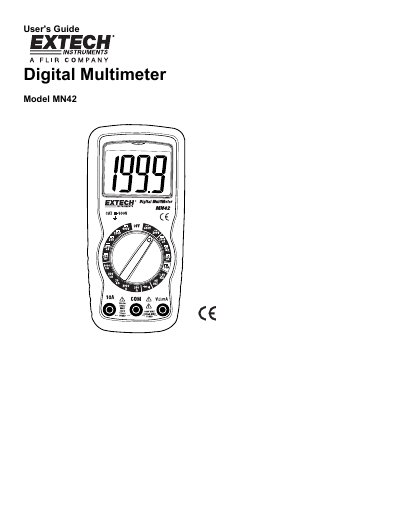
Extech MN42 Digital Multimeter User's Guide
This document is the User's Guide for the Extech MN42 Digital Multimeter. It provides comprehensive operating instructions for measuring AC/DC voltage, DC current, resistance, continuity, and diodes, as well as battery testing. The guide includes detailed safety warnings and precautions to ensure safe operation.
Read onlineEXTECH MN42 specifications
| DC Voltage Range | 200mV to 600V |
|---|---|
| AC Voltage Range | 200V to 600V |
| DC Current Range | 2000µA to 10A |
| Resistance Range | 200Ω to 2000kΩ |
| Battery Test | 9V and 1.5V |
All EXTECH MN42 documents by type
Day-to-day operation, settings and troubleshooting. Start here if the product is already set up.
Ratings, dimensions and ordering codes, for selection and design work.
Questions answered in these manuals
What is the maximum input voltage for the multimeter?
The maximum input voltage is 600V AC and DC.
How long can I measure 10A DC current?
Do not make current measurements at 10 Amps for longer than 30 seconds.
What is the voltage detection range for these multimeters?
The non-contact voltage detector checks for the presence of voltage from 100 to 600VAC.
From: EXTECH MN42/MN47 Compact Digital Multimeters + NCV Datasheet
What is included with the multimeter?
The package includes test leads, a general purpose Type K bead wire probe (MN47), a 9V battery, and a carrying case.
From: EXTECH MN42/MN47 Compact Digital Multimeters + NCV Datasheet