
The SDL800 Vibration Meter User's Guide describes the instrument's features, including measurement units, measurement range, usage methods, and safety precautions.
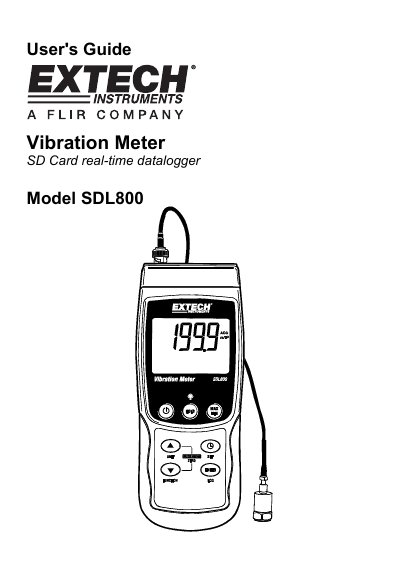
This manual provides instructions for the Extech SDL800 Vibration Meter, a device that displays and stores vibration readings for acceleration, velocity, and displacement. It supports multiple measurement units and allows data to be logged onto an SD card for transfer to a PC. The meter is powered by six 1.5VDC 'AA' batteries or an optional AC adaptor.
| Measurement Types | Acceleration, Velocity, Displacement |
|---|---|
| Supported Units | meters/s2, ft/s2, g, mm/s, cm/s, in/s, mm and inch |
| Power Source | six (6) 1.5VDC 'AA' batteries or optional AC adaptor |
| SD Card Capacity | 1G size up to 16G |
| Auto Power OFF Time | 10 minutes |
Press and hold the power button for at least 1.5 seconds to turn the meter on or off.
Press and hold the UNIT button until the desired unit appears, then release the button.
Press and hold the SET button for at least 1.5 seconds to access the Setup menu.